Most businesses only find out where their IT security falls short after something goes wrong: a staff member pays a fake invoice, a laptop goes missing, or a backup will not restore. An IT security audit checklist lets you find those gaps first, on your own timetable, before an attacker or an incident finds them for you.
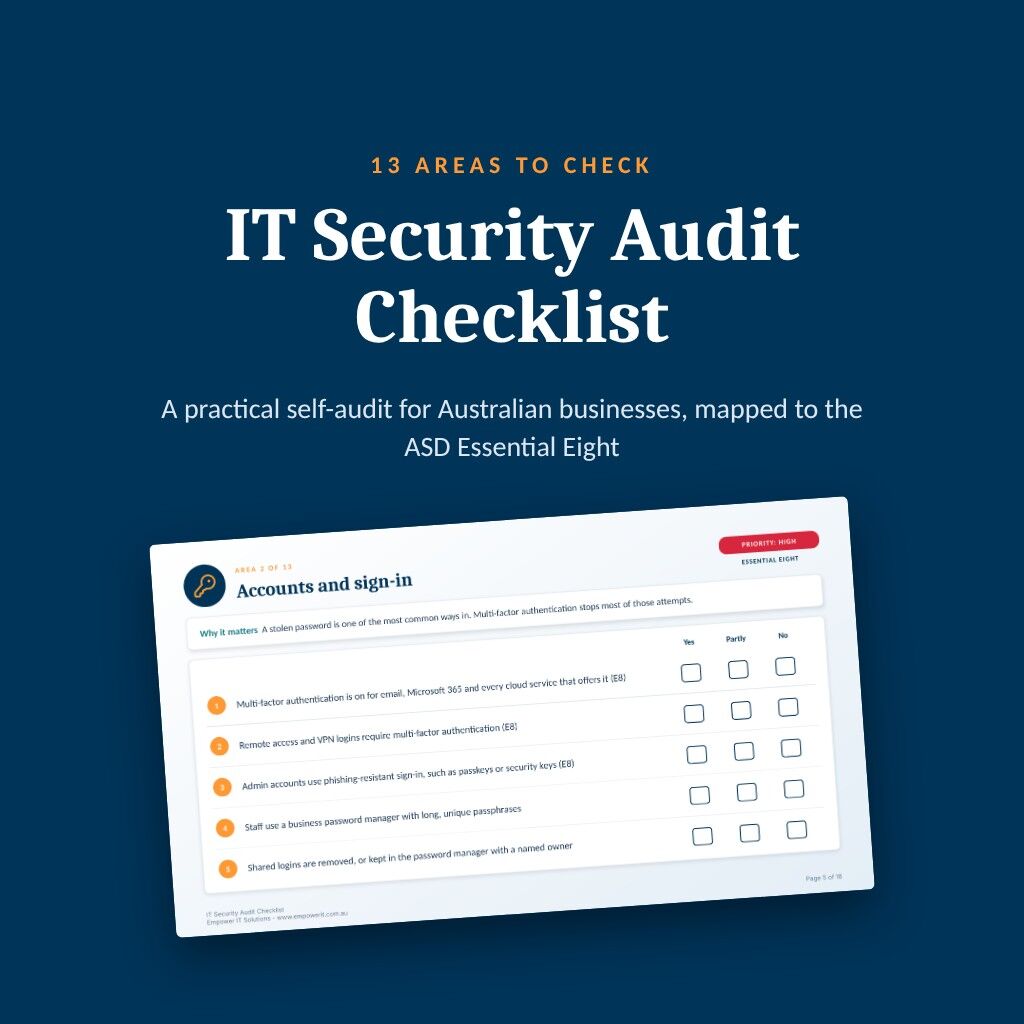
This article explains what to check, which areas to fix first and where the ASD Essential Eight fits in. You can download our free 18 page checklist and work through it as you read.
Key takeaways
- Six areas carry the most risk for a typical small or medium business: knowing what you have, sign-in, admin rights, patching, backups and incident response.
- Answer every check Yes, Partly or No, then fix the No answers in the High areas before anything else.
- Most of the high priority checks come from the ASD Essential Eight, the national baseline for cyber security.
- Repeat the audit at least once a year and after any major change.
Why an IT security audit matters for Australian businesses
Cybercrime is now a regular cost of doing business in Australia. In the 2024-25 financial year, the average self-reported cost of a cybercrime was $56,600 for a small business and $97,200 for a medium business. Those figures, from the Australian Signals Directorate’s Annual Cyber Threat Report 2024-25, are up 14% and 55% on the year before.
Data breaches are rising too. The OAIC received 1,205 notifications under the Notifiable Data Breaches scheme in 2025, the highest number since the scheme began in 2018. Of those, 716 came from malicious or criminal attacks (OAIC, July 2026).
Most of those incidents start with something ordinary: a reused password, an unpatched laptop, an admin account used for email. An audit is how you find those weak points while they are still cheap to fix.
What the IT security audit checklist covers
The IT security audit checklist groups 65 checks into 13 areas. Each area carries a priority of High, Medium or Low, which is our own judgement of where most Australian small and medium businesses should start. Areas covered by the Essential Eight are marked E8.

The six areas to fix first
Know what you have. You cannot protect, patch or insure what you do not know about. List every computer, phone, server and cloud service, who owns each one, and where customer, staff and financial records are kept. Remove accounts and devices belonging to people who have left.
Accounts and sign-in. A stolen password is one of the most common ways in. Turn on multi-factor authentication for email, Microsoft 365, remote access and every cloud service that offers it, and give staff a business password manager.
Admin rights. The less each account can reach, the less damage a stolen login can do. Admins should have a separate account used only for admin work. Nobody should read email or browse the web while signed in as an admin.
Patching and updates. Attackers go after known weaknesses soon after a fix is released. Updates for Windows, macOS, phones, browsers and Microsoft 365 should install automatically, with someone checking that they did. Replace or isolate anything past end of support.
Backups and recovery. A backup that an attacker can delete, or that nobody has tested, will not save you from ransomware. Keep at least one copy offline or unchangeable, and test a restore regularly.
Incident response and reporting. Write down who decides, who to call and what to do first, and keep those contacts offline. Know your reporting duties too. The Privacy Act covers most businesses turning over more than $3 million, and some smaller ones such as health service providers. If it covers you, an eligible data breach must be reported to the OAIC and the people affected. A business turning over $3 million or more must also report a ransomware payment to ASD within 72 hours.
The seven areas to build in next
Once the High areas are in good shape, work through the five Medium areas: email and phishing, computers and mobile devices, network and remote access, staff awareness, and suppliers and cloud services. These cover the everyday routes in, from a convincing fake invoice to a supplier with more access than they need. Two quick wins: block automatic forwarding of email to outside addresses, and confirm any change of bank details by calling a number you already hold.
The two Low areas, physical security and disposal, and governance and review, keep the work going: a locked comms cabinet, old laptops wiped before they leave the business, and one named person who owns cyber security, even when a provider does the work.
How to use the IT security audit checklist
Work through each area with whoever knows the answer, which may be your IT provider for some checks. Tick Yes, Partly or No for every check, and be strict: if multi-factor authentication is on for most staff but not all, that is Partly.
- Fix every No in the High areas first.
- Turn the Partly answers in those areas into Yes.
- Move on to the Medium areas, then the Low ones.
- Record what you found and what you changed, so the next audit starts from a known position.
Repeat the audit at least once a year, and again after any major change such as a new system, an office move or a security incident. The checklist is a self-check to find gaps. It is not a formal Essential Eight assessment, which measures each strategy against ASD’s own maturity levels.
Where the Essential Eight fits
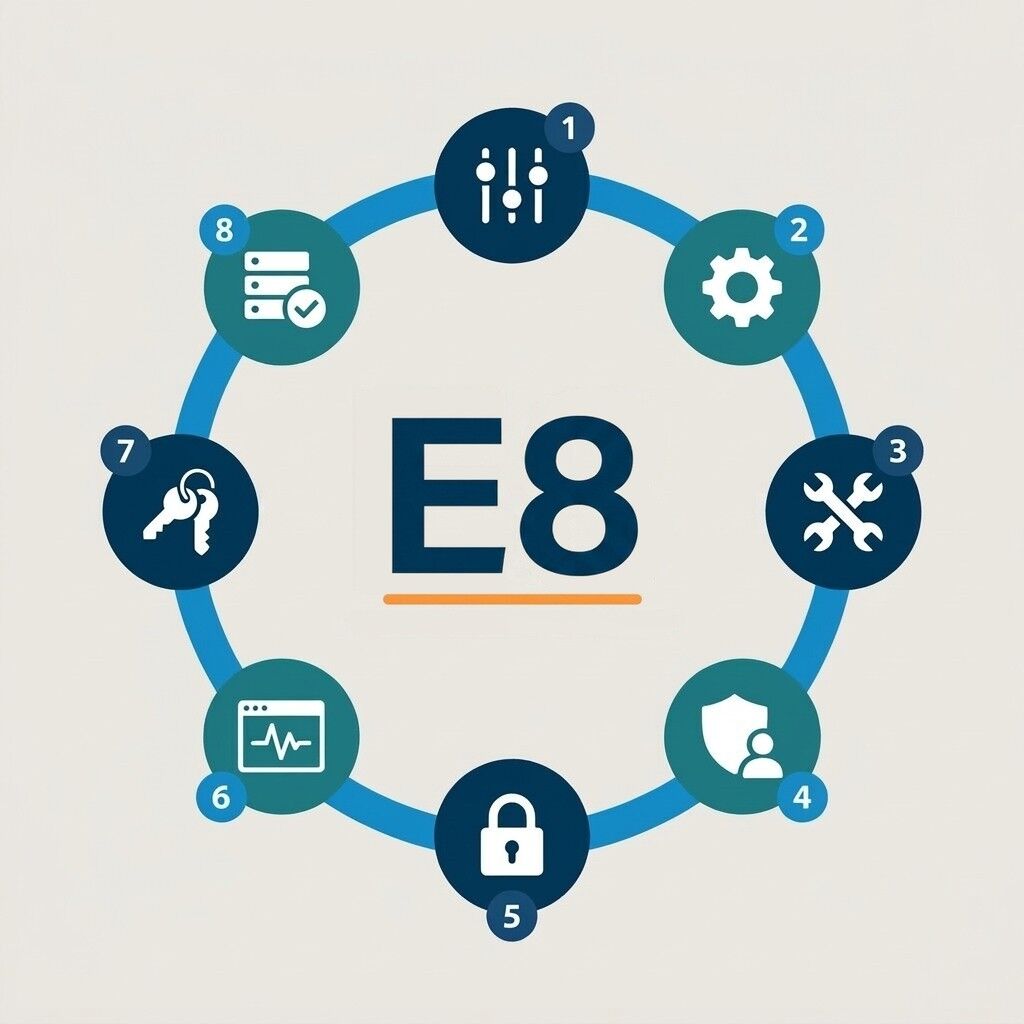
The Essential Eight is ASD’s set of eight mitigation strategies, including multi-factor authentication, patching, restricting admin privileges and regular backups. It is the closest thing Australia has to a national baseline, and most of the High checks on the checklist come from it.
ASD is consulting on the evolution of the Essential Eight into a broader Essentials series, so expect the detail to change. The basics it covers will matter whatever the next version looks like. Our Essential Eight checklist walks through each strategy in more depth. Our guide to AI cyber attacks covers how attackers are now using AI against businesses.
Common questions about the IT security audit checklist
At least once a year, and again after any major change, such as moving office, adding a new system or recovering from a security incident.
No. The checklist is a self-check to find gaps quickly. A formal Essential Eight assessment measures each strategy against ASD’s maturity levels and involves technical testing, which an IT provider can carry out.
It depends on whether the Privacy Act covers you. Most businesses with annual turnover of $3 million or less are not covered, but some are regardless of size, including health service providers. A covered business must report an eligible data breach to the OAIC and the people affected.
Yes. The checklist is written so a business owner or office manager can work through it, with help from your IT provider on the technical items. Many businesses find it quicker to do it with their provider in one session and leave with a list of fixes in order.
How Empower IT can help
Empower IT has supported Australian businesses since 2004. Our managed IT services cover the areas on the checklist day to day. We can also run the audit with your team if you would rather not do it alone.
- Work through the 13 areas with you and give you a clear list of what to fix first
- Close the High gaps: multi-factor sign-in, patching, admin rights and backups
- Manage security for devices, email and Microsoft 365, with alerts that reach someone who acts
- Prepare for an incident with a written plan, tested restores and staff training
If you would like to start on your own, download the free checklist and work through the High areas first.
Last updated
SHARE
In this article:
- Key takeaways
- Why an IT security audit matters for Australian businesses
- What the IT security audit checklist covers
- The six areas to fix first
- The seven areas to build in next
- How to use the IT security audit checklist
- Where the Essential Eight fits
- Common questions about the IT security audit checklist
- How Empower IT can help