Most phishing emails that reach your team look ordinary: an overdue invoice, a parcel that couldn’t be delivered, a request from the boss to pay a new supplier. A phishing simulation sends your staff a safe, fake version of those emails so you can see how people respond before a real one arrives.
Run well, it shows you where the risk sits in your business and builds a habit of reporting. Run badly, it embarrasses people and changes very little. This guide covers the difference, and what to put in place alongside it.
Key takeaways
- Phishing was the largest single source of cyber incident breaches notified to the OAIC in the second half of 2024.
- A phishing simulation measures how your staff respond. On its own, it changes little.
- Tell staff it’s happening, agree a no-blame rule and measure reports as well as clicks.
- Microsoft 365 includes a simulation tool with E5 or Defender for Office 365 Plan 2.
- Back simulations with sign-in protection that a fake page can’t capture, and a password manager.
What a phishing simulation is, and what it isn’t
A phishing simulation is a controlled test. Your IT provider, or a dedicated platform, sends a realistic but harmless email to some or all of your staff. Nothing bad happens if someone clicks. The platform records who opened it, who clicked, who entered a password on the fake page and, most usefully, who reported it.
It isn’t a trap, and it isn’t training on its own. The simulation shows you what is happening. The improvement comes from what you do with the results: short follow-up conversations, better reporting habits and controls that limit the damage when someone does click. For the training side, see our guide to cyber security awareness training in Australia.
What the evidence says about phishing simulation
The case for testing is strong. In the OAIC’s Notifiable Data Breaches Report for July to December 2024, phishing was the largest single source of cyber incident breaches, at 84 of the 247 notified. ASD’s Annual Cyber Threat Report 2024-25 lists email compromise and business email compromise fraud as the two most common cybercrimes reported by businesses, at 19% and 15% of reports. The average self-reported cost of cybercrime for a small business was $56,600.
The case for testing alone is weaker. A large 2025 study by researchers at UC San Diego found that the short training pages shown to staff after a click made very little difference to whether they clicked next time.
Australia’s own baseline points the same way. ASD’s Information Security Manual asks organisations to run cyber security awareness training for all staff every year. It does not require phishing simulations. So treat a simulation as a measuring tool that supports training and other controls, not a replacement for either.
How to run a phishing simulation that changes behaviour
Here’s the approach we recommend, step by step.

- Tell your staff first. Announce that simulations will run during the year, without saying when. People learn more from a practice exercise than from feeling tricked.
- Agree a no-blame rule. Settle with management, and HR if you have it, that a click leads to a short conversation, never a disciplinary note. Fear stops people reporting, and reporting is what you want.
- Take a baseline. Send the first simulation to everyone so you know your starting point.
- Use lures your staff would see. Fake supplier invoices, delivery notices and messages claiming to be from the tax office or a bank teach more than generic prize offers.
- Measure reports, not just clicks. More people using the report button, and using it quickly, is the best sign that habits are changing.
- Follow up within a day or two. Send a short note explaining what gave that email away, and talk one to one with anyone who entered a password.
- Keep a steady rhythm. In our experience, one simulation every month or two keeps it routine without becoming noise.
Built-in or third-party: choosing a phishing simulation tool
If your business runs on Microsoft 365, you may already have a simulation tool. Microsoft’s Attack simulation training requires Microsoft 365 E5 or Defender for Office 365 Plan 2, which can be added to other plans. A dedicated simulation platform is the other route.
| Microsoft 365 Attack simulation training | Dedicated simulation platform | |
|---|---|---|
| Cost | Included with E5 or Defender for Office 365 Plan 2 | Separate per-user subscription |
| Email templates | Microsoft library, adapted for your business | Varies by vendor, so ask about Australian content |
| Who runs it | Your IT team or provider, in the Microsoft Defender portal | Largely automated, often run by a provider |
| Results | Reports in the Defender portal | Dashboards built for managers |
| Best suited to | Businesses already licensed for E5 or Plan 2 | Businesses on other plans, or wanting a hands-off service |
Risks and considerations
Most of these are manageable with a little planning.
- Trust. A lure that promises a pay rise or a bonus can feel cruel. Avoid topics that would hurt if they were real.
- Privacy and workplace policy. Results are personal information about your staff. Share them only with the people who need them, and check your workplace policies with your own adviser before you start.
- Helpdesk load. Expect more reports and questions in the first few weeks. That’s a good sign, so make sure someone is ready to answer.
- Email filters. Your security filters need to let the test through, or the results mean nothing. Your IT provider sets this up.
Make the click matter less
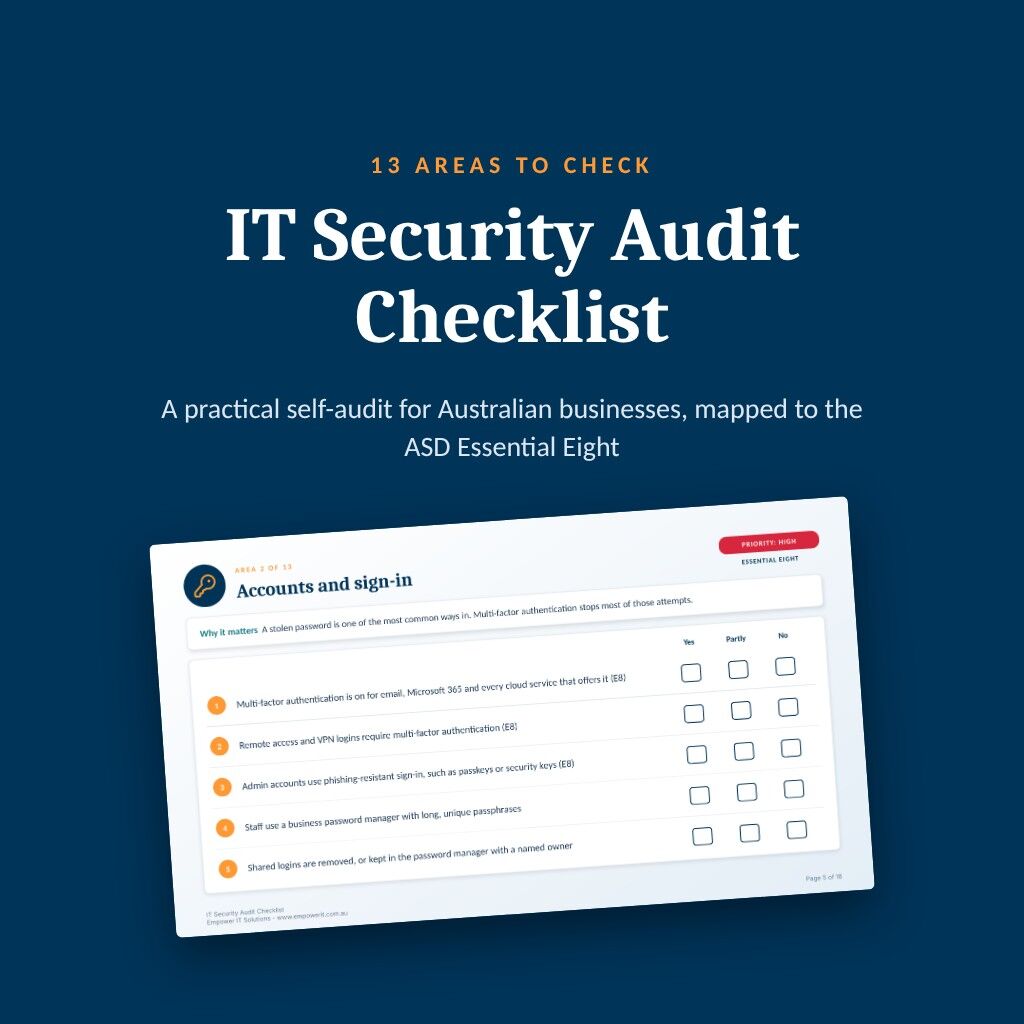
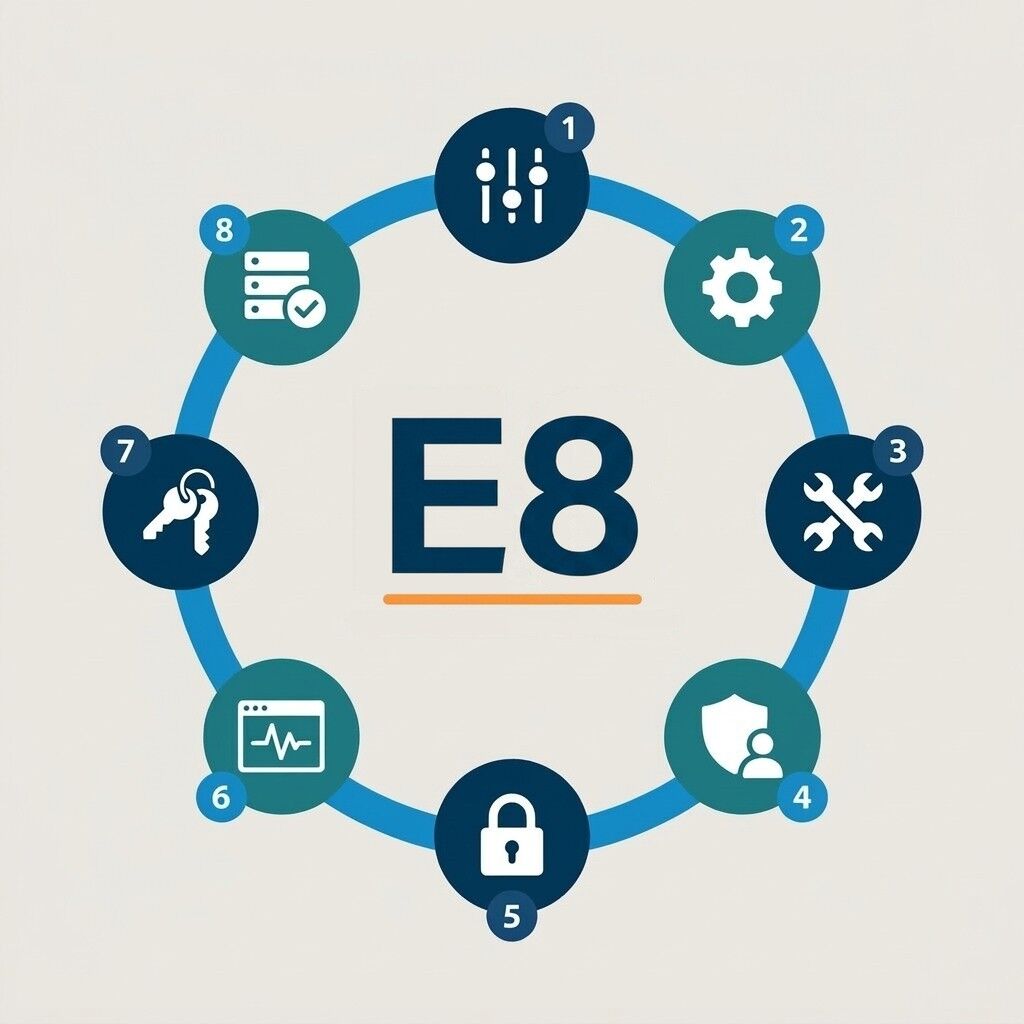
Someone will click eventually, so the controls behind your staff matter as much as their judgement. The UC San Diego researchers pointed to two: sign-in protection that a fake page can’t capture, and password managers that only fill in passwords on the real site. Both feature in our Essential Eight checklist for Australian SMBs and our guide to the best password manager for Australian businesses.
Email authentication, the SPF, DKIM and DMARC records behind your domain, also makes it harder for criminals to send email that looks like it came from you.
Common questions about phishing simulation
Phishing simulations are a common workplace practice, but how you run them and handle the results touches workplace and privacy obligations. Tell staff in advance that testing happens, keep results confidential and check your policies with your own legal or HR adviser before you start.
Often enough to stay routine, not so often that it becomes noise. Our view is every month or two for most small and medium businesses, with a fresh baseline after a big change such as a new email system.
There is no reliable universal benchmark, and click rates swing with how hard the test email is. Track your own trend over time, and give equal weight to how many people report the email and how quickly.
A short, private conversation about what gave the email away, and nothing more. Repeat clicks are a signal to adjust training or controls for that role, not a disciplinary matter.
How Empower IT can help
Empower IT runs phishing simulations as part of our managed IT services for Australian businesses, alongside the email security and sign-in controls that limit the damage when a click does happen. We plan the program with you, agree the no-blame rules up front and report results in plain terms your leadership team can act on.
If you’re on Microsoft 365, we’ll check whether your current licences already include Attack simulation training before recommending anything new. If they don’t, we’ll set out the options and costs side by side.
- A planned simulation program, announced to staff and run without blame
- Realistic lures matched to your business
- Results that track reporting as well as clicks
- Short follow-up training where the results show a gap
- Sign-in protection, password management and email authentication to back it up
Talk to us about running a phishing simulation for your team.
Last updated
SHARE
In this article:
- Key takeaways
- What a phishing simulation is, and what it isn't
- What the evidence says about phishing simulation
- How to run a phishing simulation that changes behaviour
- Built-in or third-party: choosing a phishing simulation tool
- Risks and considerations
- Make the click matter less
- Common questions about phishing simulation
- How Empower IT can help